

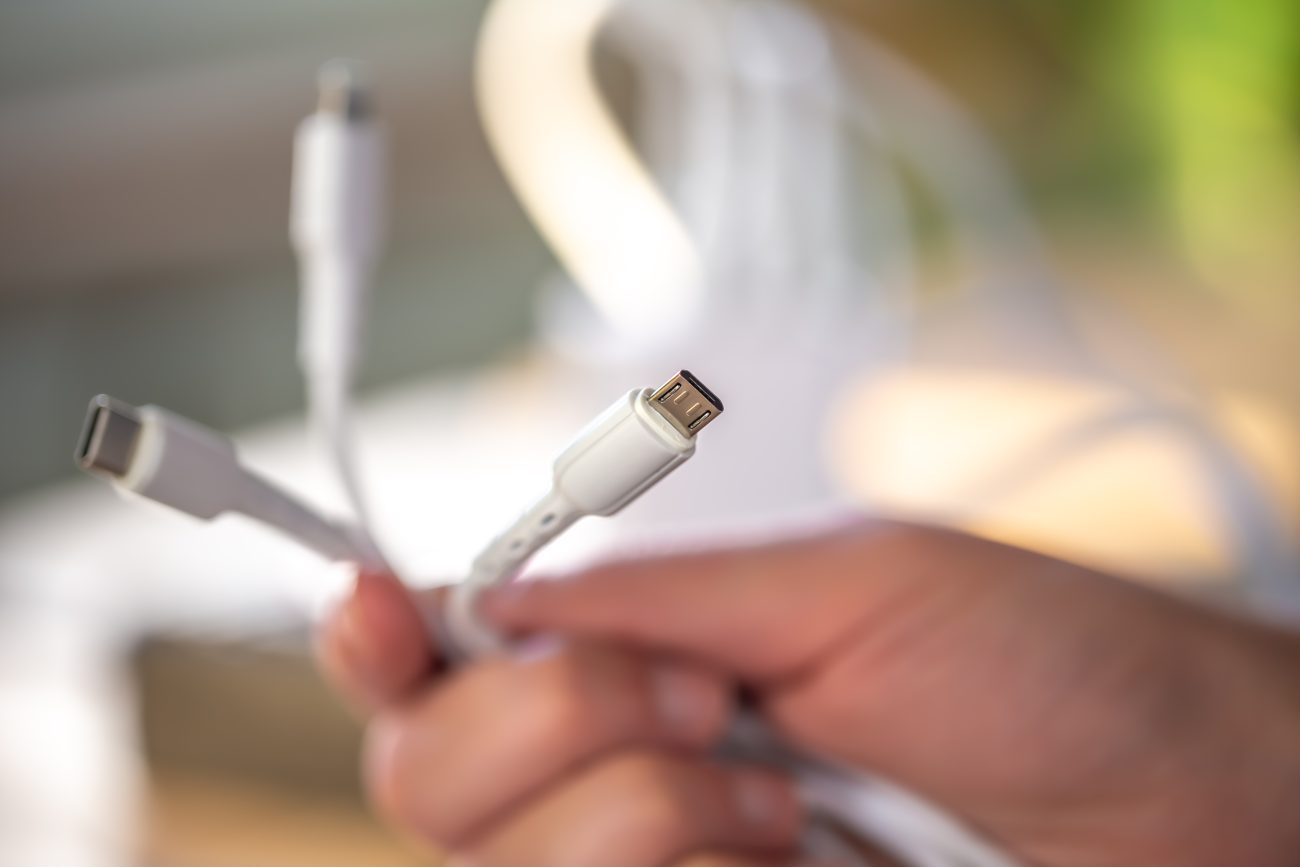
In today’s tech-savvy world, mobile data cables are an essential accessory for almost every electronic device. Whether you’re charging your smartphone, transferring data, or connecting your tablet, the right data cable can make a significant difference in speed, performance, and overall convenience. With so many options available, it can be challenging to find the best mobile data cable for your needs. This guide will walk you through the key factors to consider when selecting the perfect data cable for your devices.
1. Understanding Different Types of Mobile Data Cables:
- With the new fashion trends.
- We care for the environment at every stage of production
- Best quality materials
1
Understanding Different Types of Mobile Data Cables:
There are several types of mobile data cables available on the market. Each has its unique features and compatibility, so understanding which one is best for your device is essential.
USB-A to USB-C Cables:
USB-C is becoming the new standard for smartphones, laptops, and other devices. USB-A to USB-C cables offer fast charging and efficient data transfer, making them ideal for the latest devices.USB-A to Micro-USB Cables:
This type of cable is commonly used for older smartphones, tablets, and various gadgets. It provides standard charging speeds and data transfer, but it’s slowly being replaced by USB-C in newer devices.USB-C to USB-C Cables:
For devices that support USB-C charging and data transfer, a USB-C to USB-C cable provides faster charging speeds and higher data transfer rates. This is ideal for modern laptops, smartphones, and other devices that feature USB-C ports.Lightning Cables (for Apple Devices):
If you use Apple products such as an iPhone or iPad, Lightning cables are essential. They provide efficient charging and data transfer, especially when paired with an Apple-certified cable.
2
Key Factors to Consider When Choosing Mobile Data Cables:
a) Charging Speed:
One of the primary considerations when choosing a data cable is the charging speed. With fast-charging technology advancing, choosing the right cable ensures your device charges at its optimal speed.
Look for cables that support Quick Charge or USB Power Delivery (USB-PD), especially if you have a newer device that supports fast charging.
Make sure the cable is capable of delivering the required wattage to your device, ensuring a speedy charge without overloading the cable.
b) Data Transfer Rate:
The data transfer rate is crucial if you frequently transfer large files between devices, such as photos, videos, and documents. Cables with higher transfer speeds ensure quick and seamless data movement.
USB 3.0 or USB 3.1 cables provide faster data transfer speeds than older USB 2.0 cables.
USB-C cables, especially those supporting USB 3.1 or Thunderbolt 3, offer faster transfer speeds of up to 10 Gbps or more.
c) Durability and Build Quality:
Since data cables are frequently used and subject to wear and tear, investing in a durable cable is essential.
Look for braided cables or those with reinforced connectors to prevent fraying and improve longevity.
Kevlar-reinforced cables offer additional strength, making them resistant to damage from bending or pulling.
d) Length of the Cable:
The length of your cable can make a huge difference in convenience. While shorter cables are perfect for portable charging, longer cables give you the flexibility to use your device while it’s charging.
Short cables (1-3 feet) are ideal for on-the-go charging.
Longer cables (6-10 feet) are perfect for home or office use when you need flexibility in distance.
3
Choosing the Right Cable for Your Device:
a) Android Devices:
If you own an Android smartphone, tablet, or other gadgets, you’ll most likely need a USB-C or Micro-USB cable.
For newer devices with USB-C ports, choose a USB-A to USB-C or USB-C to USB-C cable for fast charging and data transfer.
For older Android devices with Micro-USB ports, look for Micro-USB to USB-A cables for standard charging and data transfer.
b) Apple Devices:
Apple devices use Lightning cables for charging and data transfer. Ensure you get a MFi-certified (Made for iPhone) cable to guarantee compatibility and quality.
USB-A to Lightning cables are common, but USB-C to Lightning cables are recommended for faster charging speeds, especially for newer iPhones and iPads.
c) Laptops and Other Devices:
For devices like laptops, the USB-C to USB-C cable is ideal, especially for MacBook or other modern laptops that support USB-C ports for charging and data transfer.
Make sure to choose a cable that supports USB-PD (Power Delivery) for optimal charging speeds.
4
How to Choose a Cable That’s Compatible with Your Charging Hub:
If you’re using a charging hub or power strip with multiple ports, ensure that your chosen cable is compatible with the hub’s output. Some hubs may support faster charging or specific types of cables, such as USB-C.
Check the output specifications of your charging hub to ensure it can deliver the correct power for your device.
Choose cables that match the power requirements of your device and charger.
5
Budget vs. Quality:
While cheaper cables may seem like an attractive option, they may not last as long or deliver the best performance. Investing in a premium-quality cable can save you money in the long run by avoiding frequent replacements.
Brand matters: Always choose cables from trusted brands that offer warranties or guarantees on their products.
The Importance of Choosing Certified Cables
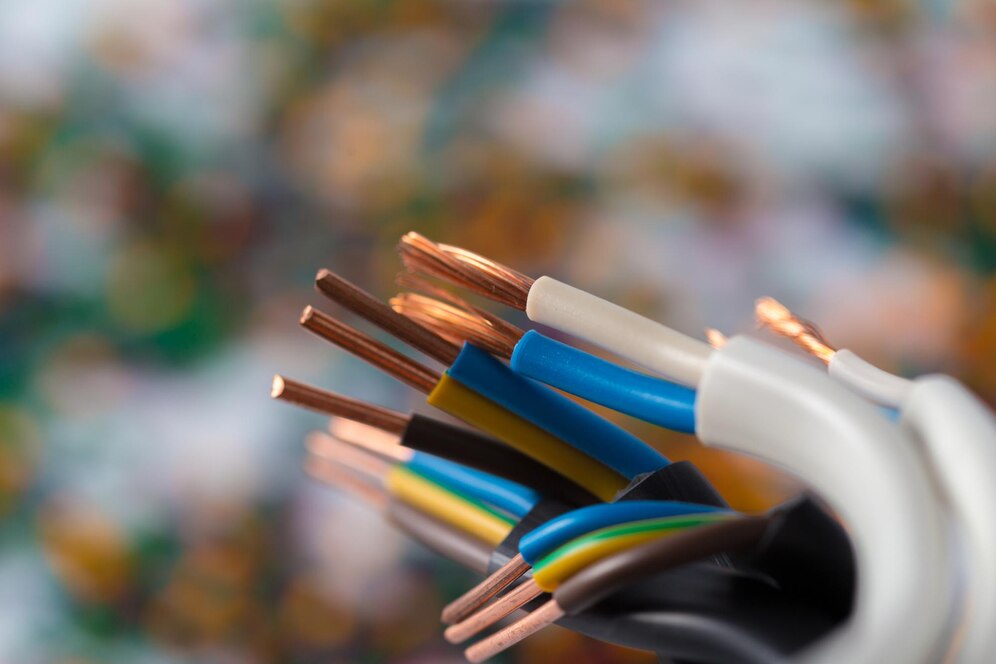
When it comes to mobile data cables, certification is crucial for both safety and performance. Certified cables ensure that the product meets industry standards, offering reliable charging speeds and safe data transfers. For example, MFi (Made for iPhone) certified cables guarantee compatibility with Apple devices, while USB-IF certified cables ensure compliance with USB standards for faster and more efficient data transfer. By choosing certified cables, you protect your devices from potential risks like overheating, data loss, or even damage from poorly constructed cables. Investing in certified cables not only enhances your device’s performance but also ensures safety, longevity, and peace of mind.
Conclusion
Choosing the best mobile data cable is essential for ensuring that your devices charge quickly and transfer data efficiently. By understanding the types of cables available, considering key factors such as charging speed, durability, and compatibility with your device, you’ll be able to make an informed decision. Investing in a high-quality cable will not only improve your device’s performance but also provide you with a long-lasting, reliable accessory that makes your tech experience seamless.
Remember, the right data cable is more than just a charging tool — it’s an investment in your device’s efficiency and longevity. So, choose wisely and enjoy the convenience of fast charging and high-speed data transfers!
OMG I LOVE IT!!!
There was a small mistake in the order. In return, I got the correct order and I could keep the wrong one for myself. I ordered on Friday evening and on Monday at 12:30 the package was with me. I have never encountered such a fast order processing.
Very nice product
Everything is perfect. I would recommend!